Find the busy shops overpaying to take cards.
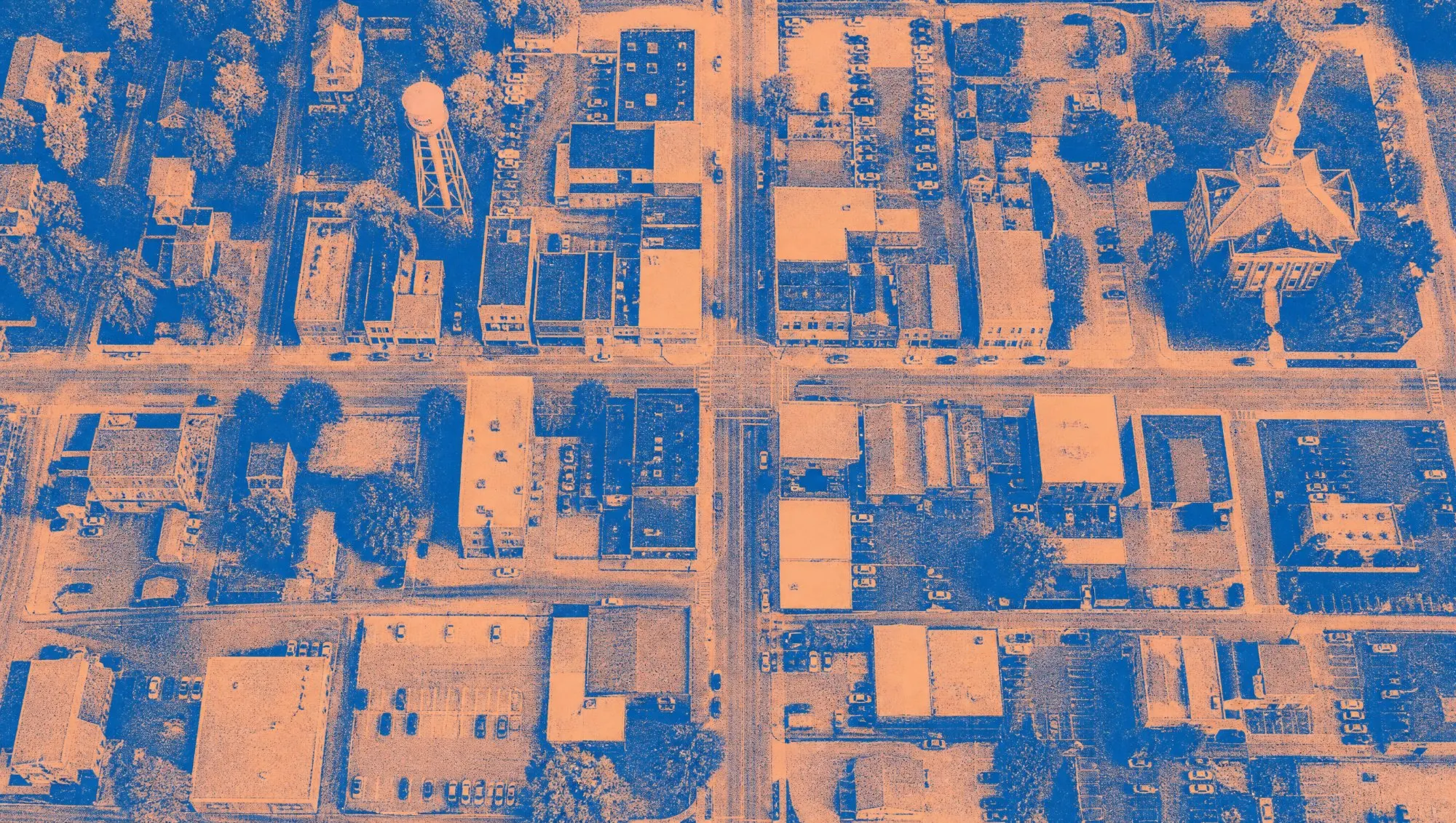
Canvas Scout maps every local business in your territory and flags the ones worth a rate review: busy shops on flat-rate processors, cash-only businesses, no tap-to-pay, no online ordering.
Free account, no card needed. See how many businesses are in your territory in a minute.
The reasons to stop, on every business.
Every card says what we found in plain words, so you know what to open with before you walk in.
On flat-rate pricing
We spot Square, Stripe, PayPal and Shopify on their website or listing. At real volume, flat-rate usually costs more.
- Uses Square: flat-rate pricing usually costs more at their volume
Cash only, or no tap-to-pay
Reviews or listings that say “cash only”, and card payments listed without tap-to-pay.
- Reviews or listing mention “cash only”
- No tap-to-pay listed on Google
Busy enough to matter
Review counts, crowds at peak hours and long opening hours put the high-volume shops first.
- Busy: 312 Google reviews
- Open 7 days, 84 hours a week
The industries that buy what you sell.
Your map scores every business for what you sell. These industries usually rank highest, and you pick exactly which ones go in your territory.
- Restaurants, bars & inns4,000
- Shops & storefront services4,300
- Salons, barbers & spas3,300
- Auto & repair shops2,800
- Businesses in Greater Cincinnati, for example. Estimates from U.S. Census data.
One minute from a blank map to the right door.
Three steps to a full day of doors.
- Pick your territoryYour metro area or any set of counties, and the industries you sell to.
- Get your mapEvery independent business inside, scored for what you sell, with phone numbers, websites and hours.
- Work the best firstRoute the top prospects, log each visit, and share notes and follow-ups with your team.
From $49 a month, priced by territory, not by lead.
Map my territory freeStraight answers.
How does Canvas Scout know which processor a business uses?
When we build your map we look at each business’s Google listing and its homepage for the payment and point-of-sale tools it links to, like Square, Clover, Toast, Stripe or Shopify, plus what the listing says about card, debit and tap-to-pay. Not every business shows this publicly, so when we can’t tell, the card says so and suggests asking what they pay per swipe.
How much does it cost?
Plans start at $49 a month for up to 5,000 businesses. For example, restaurants, shops, salons and auto shops in Greater Cincinnati come to about 14,500 businesses: Scout at $99 a month for one rep, or Crew at $249 a month for a team of up to 5. You see the count and the price for your own territory before you pay.
Can I try it first?
Yes. A free account costs nothing and needs no card: your map shows example businesses so you can try every tool, plus how many real businesses are in your territory. When you want the real ones, start a 7-day trial from the map; you’re not charged during the trial.